The idea
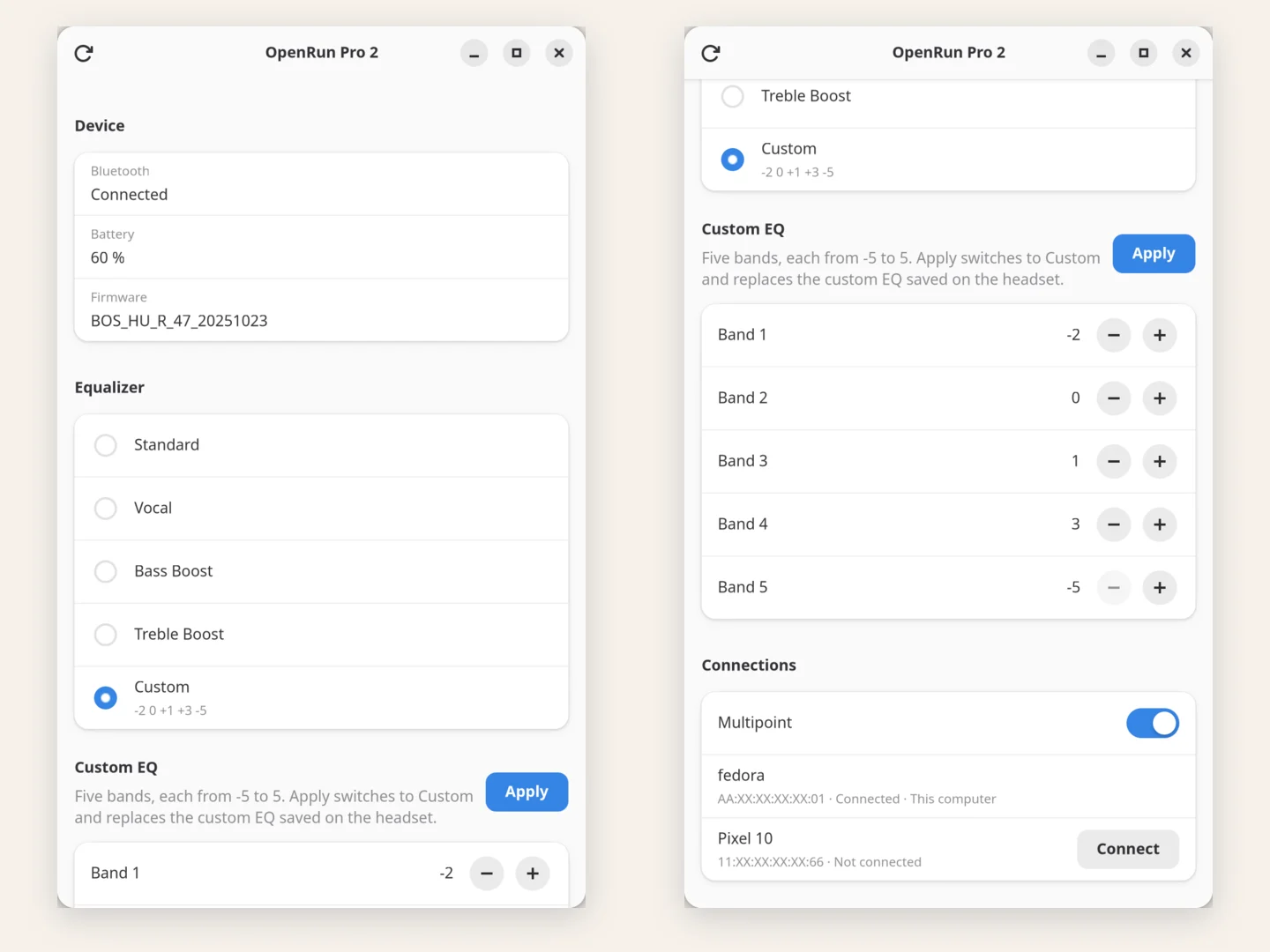
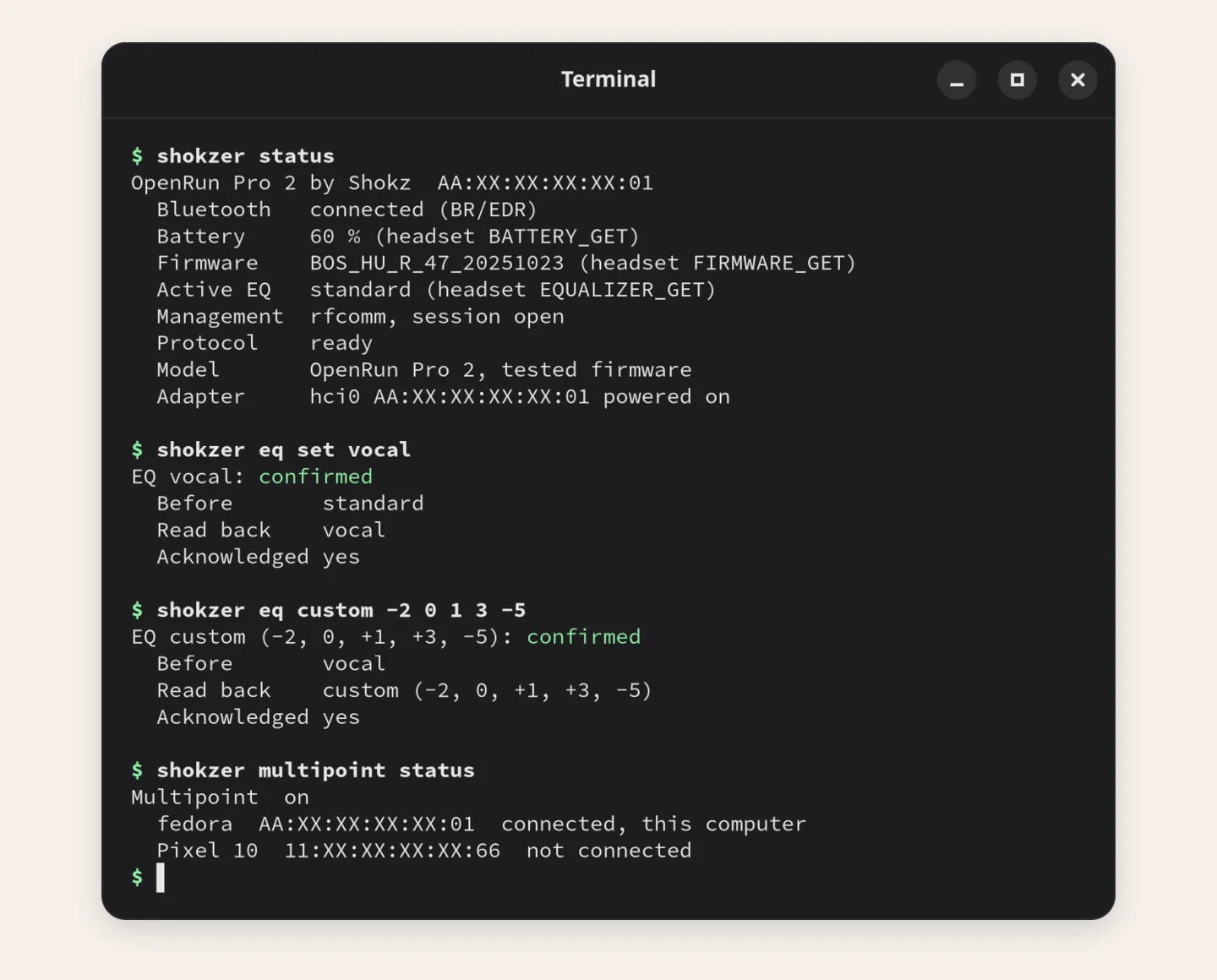
I wear Shokz OpenRun Pro 2 bone-conduction headphones for most calls and a lot of music. Their settings, like the equaliser and whether they stay connected to two devices at once, can only be changed in Shokz’s phone app. My laptop runs Fedora Linux, so switching from a podcast EQ to a call EQ meant picking up the phone, opening the app and waiting for it to find the headset. Shokzer does the same from the laptop, as a small desktop app or from the command line.
How it works
The headset has a separate Bluetooth channel for settings, next to the one that carries sound. The open-source Android app Gadgetbridge had already worked out what goes over that channel. I used its code as the map, then checked every command against my own headset before relying on it. That turned up two things the map didn’t show: some replies arrive split into pieces, and the value for “multipoint off” is different from what was assumed.
Careful by design
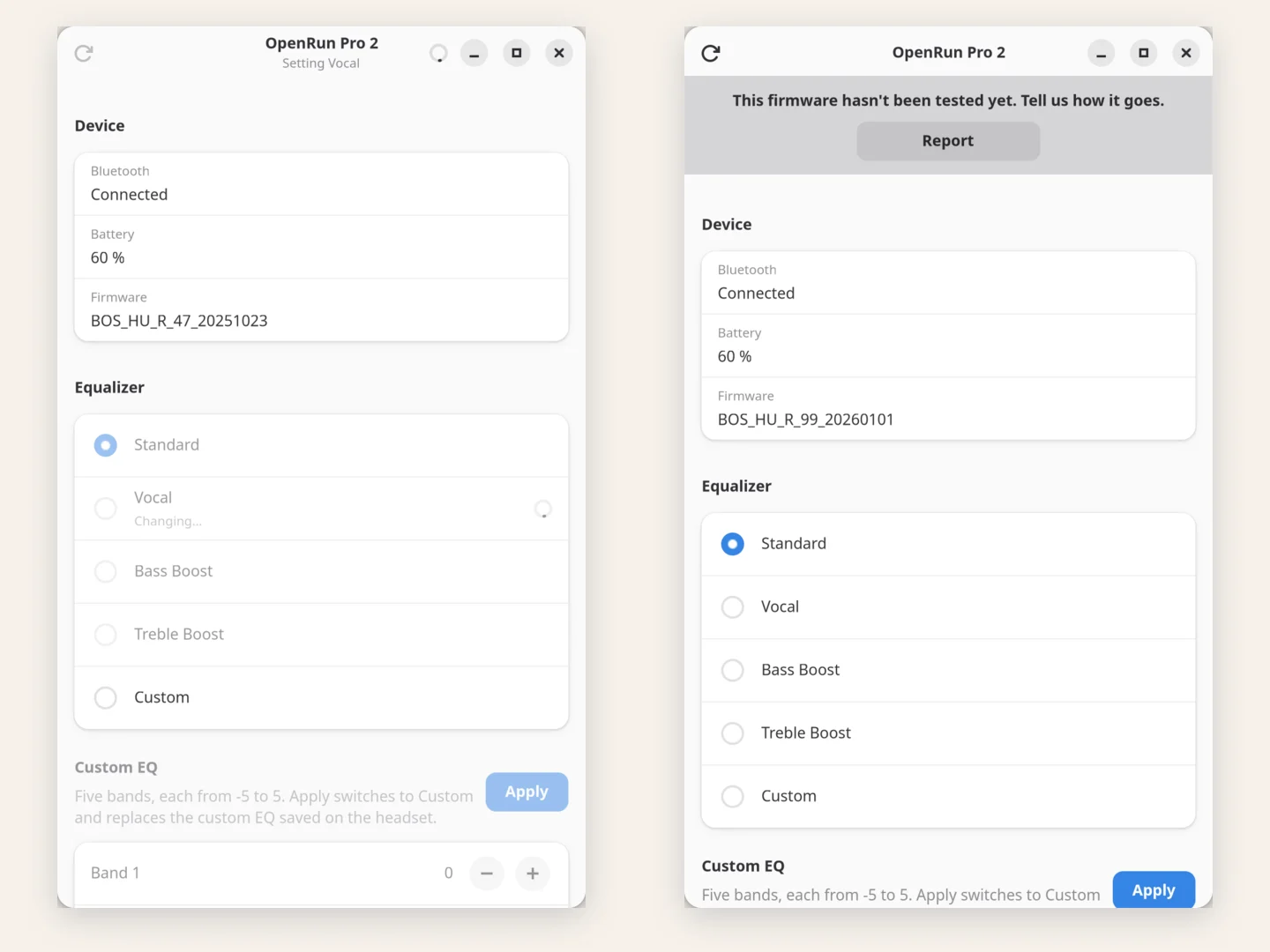
Shokzer sends each change once and only calls it done when the headset reports the new setting back. If it can’t confirm a change, it says so instead of trying again. It never pairs or connects devices on its own, and it leaves the sound itself to the normal audio settings. Other firmware versions of the same headset work too, with a note asking for a report on how it went.
It’s on GitHub with an RPM for Fedora and an installer for other Linux distributions.
A hobby project
I built Shokzer for my own headset, with an AI coding assistant doing most of the writing, and it does what I need. It isn’t under active development, and the README is honest about it: it’s AI slop, so use it at your own risk and don’t take it too seriously.
Inside Shokzer